


Hudu v2.40 is now live. Self-hosted environments may update at any time; updates to cloud hosted environments will begin today.
Before jumping to the feature highlights, please take a moment to check these items first — some may require action depending on your setup:
Self-hosted users
Prior to updating to Hudu v2.40, please ensure you have updated to Docker Engine v28 and Ubuntu 22.04 LTS or newer.
Microsoft SMTP authentication
Microsoft has announced changes to Exchange Online SMTP AUTH:
Basic authentication for Client Submission (SMTP AUTH) will be permanently removed
Rollout begins March 1, 2026
100% enforcement by April 30, 2026
Applications using SMTP AUTH will need to move to OAuth-based authentication. Learn more from Microsoft.
Hudu/Halo KB sync
The Hudu / Halo KB Sync will require updated API scopes for HaloPSA. The new KB sync will not function until these credentials are updated. Before attempting a KB sync:
Update your Halo API credentials in both Halo and Hudu
Follow the setup guide for more information
Highlights
PDF overhaul
Cleaner, clearer PDF exports with KB support, expanded TOCs, improved styling (with code blocks), RTL support, password OTPs, watermarks, and export dates.
Hudu/Halo KB sync
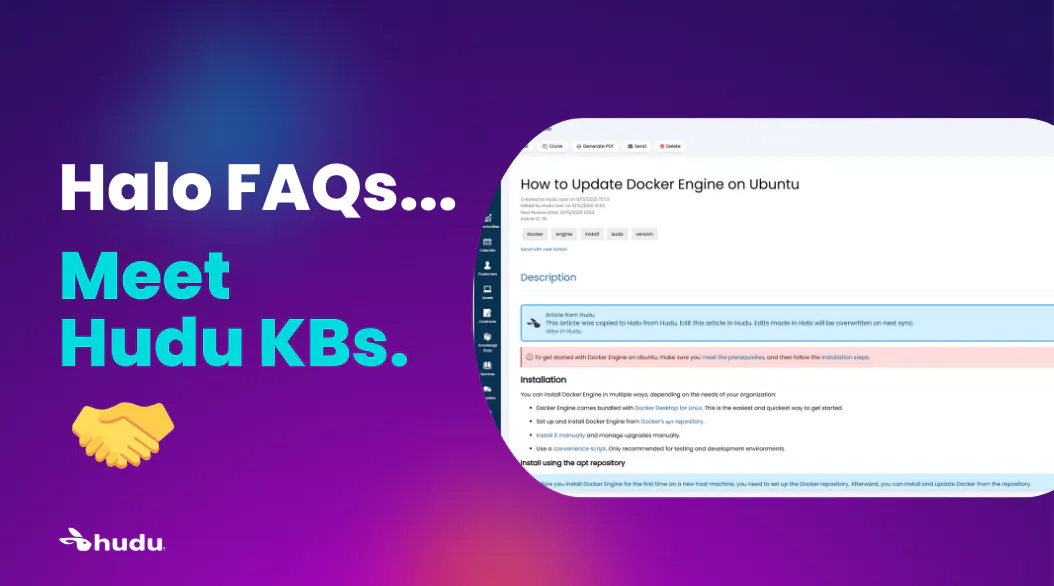
Automatically sync your Hudu KB to Halo to ensure up-to-date documentation across both systems.
Microsoft Intune connected field
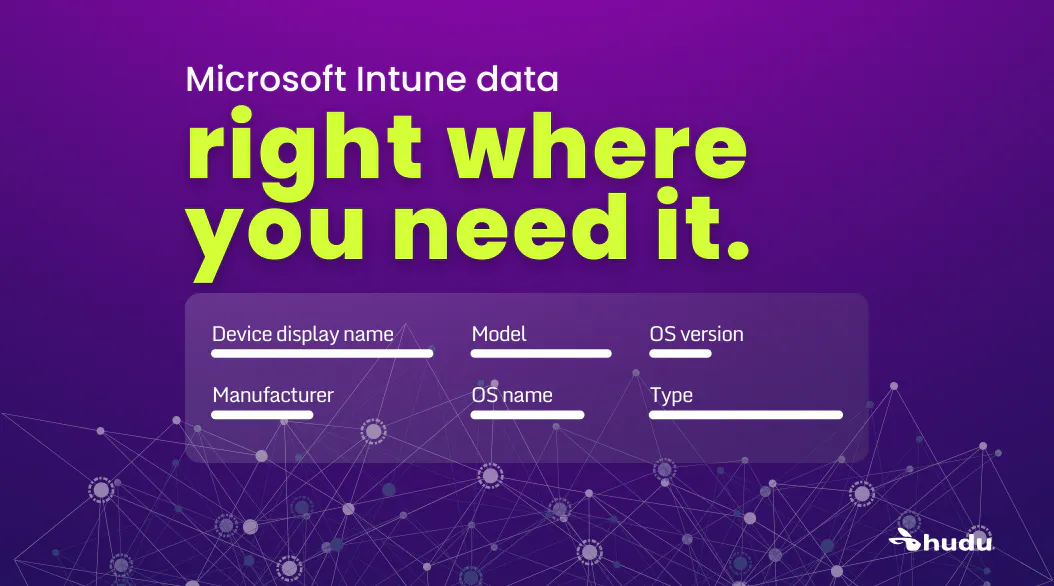
Connected fields now pulls in Microsoft Intune data right where you need it. Supported fields include device display name, manufacturer, model, OS name, OS version, and device type.
Microsoft Intune connected field
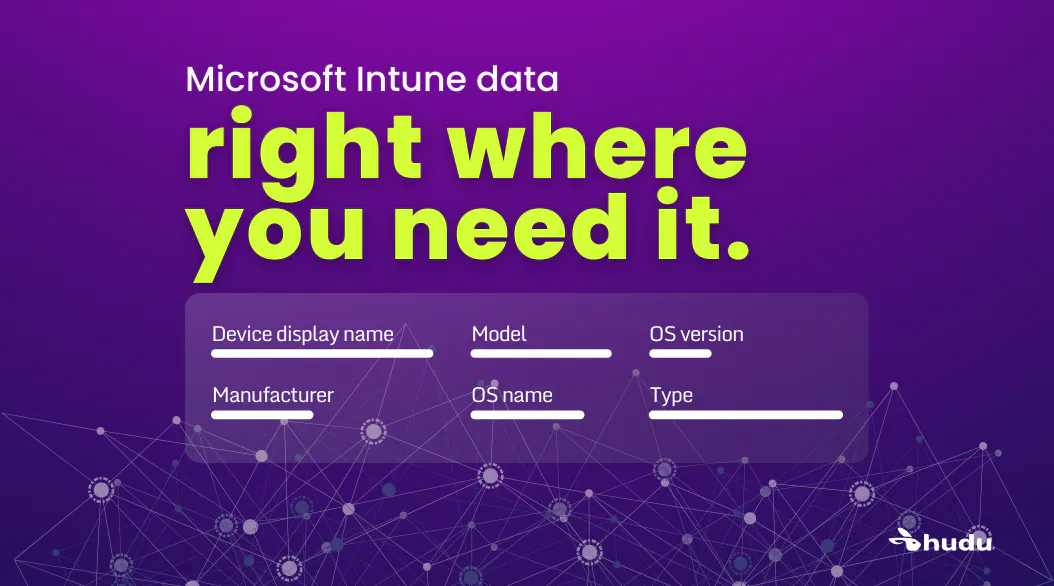
Connected fields now pulls in Microsoft Intune data right where you need it. Supported fields include device display name, manufacturer, model, OS name, OS version, and device type.
Customize content security

Admins can now customize Content Security in Hudu, choosing whether to use the default protections or define which external frames, media, styles, and scripts are allowed.
Automatic expiration archiving & new deletion option

Managing expirations is now simpler than ever. You can archive or delete expirations directly, and any expiration tied to an archived record will now be archived automatically. Archived expirations are removed from the global expirations table and stored in the Museum, giving you a cleaner view of what needs attention.
Bulk actions for photos
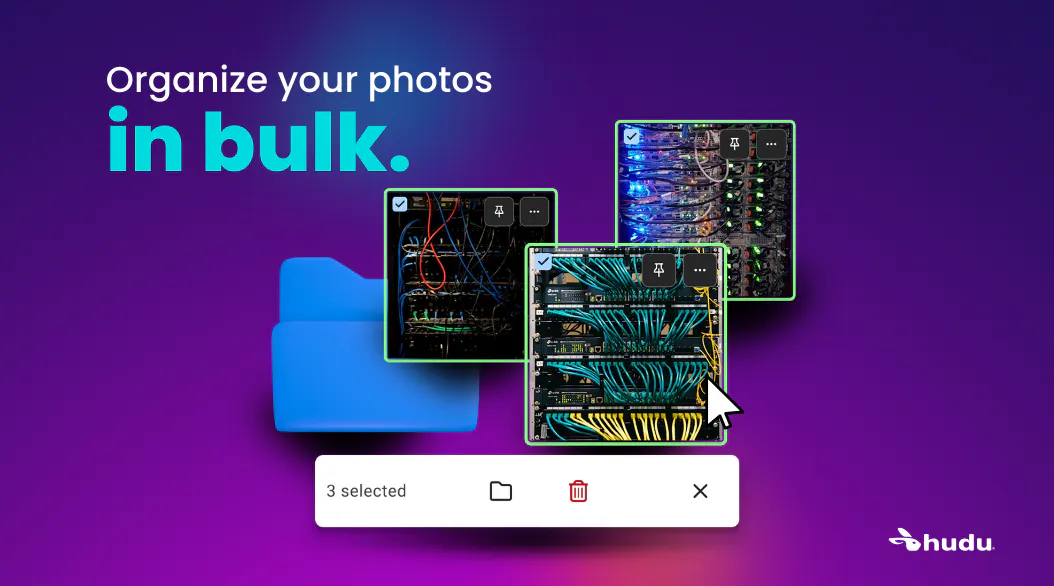
Managing photos is easier with new bulk actions. You can now delete or move multiple photos between folders at once, helping you organize quickly.
New global table filters

New global table filters make it easier to quickly find what you need and review more efficiently. Password tables can now be filtered by color or tag for faster lookups.
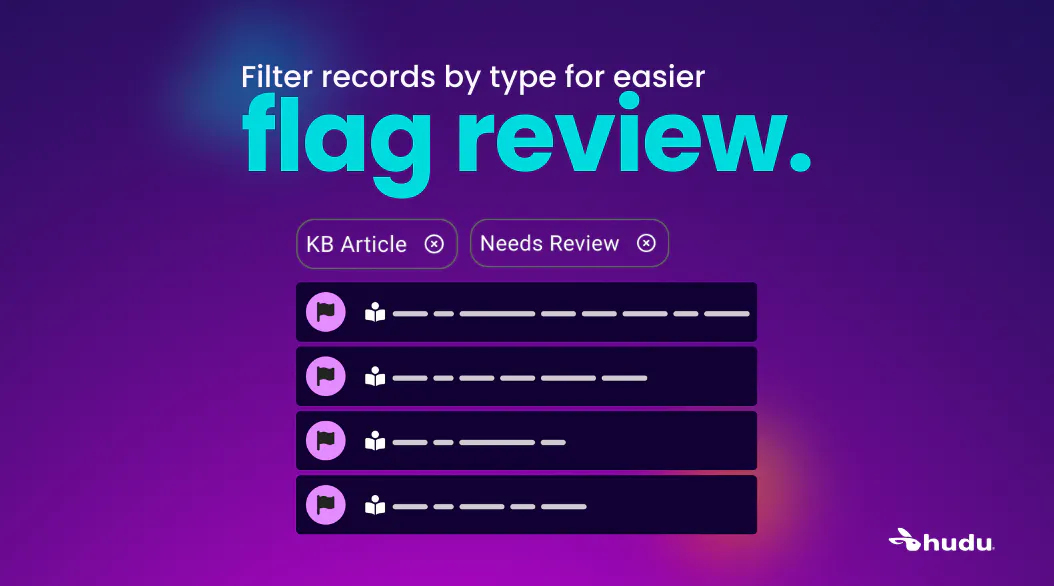
Flag Review can be filtered by item type to help you audit items with focus.
Microsoft Graph support & SMTP configuration improvements

Email setup is now easier and more secure with updated configuration options and support for Microsoft Graph.
Want to learn more about these features? Check out this video:
Improvements
Related items:
Added ability to preview an existing related item without navigating away from the current record
Added company name to the right of each record name
Improved UI of edit relation description input
Added tool tips for icon buttons
Added ability to remove a related password from an asset via the Related Passwords section of the righthand toolbar
Added ability to remove a child password from its parent via the Child Passwords section of the righthand toolbar
Added tooltip with full name for truncated related passwords and child passwords
Moved “Add Related Item” from modal to side panel
Added company name and folder name below KB article titles and passwords in search results
Added company name below websites in search results
Integrations:
Added Halo PSA site postal codes to Halo integration cards
Added company validation to Halo integration asset matching
Updated Integrations dashboard widget to include error state
Updated the connected field for CW PSA's OS Info field from device_os_name to device_os_version
Added a new connected field for CW PSA's OS Type as device_os_name
Added “Last Card Sync” column option to asset tables that contain integration cards
Improved copy in M365 & Intune test connection error toasts
Added “Recently Flagged” dashboard widget
Added company ID number as column option in companies directory table
Added company logos to companies directory table
Added “Flags” as a table column options for record types that support flags
Added “No user” as filter option for activity logs
Added support for .heic photos
Added ability to preview an asset layout template before using it
Added "Description" column to IP Addresses table when viewing a network
Added link to Hudu HQ in user profile dropdown menu for Super Admins
Added text to user profile dropdown to indicate that an updated version of Hudu is available
Added archived badge to archived child company cards
Added ability to reorder Magic Dashes via the UI and API
Added copy button for password URLs
Added "deleted asset layout" as action tracked in activity logs
Added new variables for expiration webhooks (EXPIRATION_TYPE, EXPIRATION_DATE, COMPANY_ID, RECORD_ID)
Added asset icons to asset pickers and rack displays
Made network subnets and IP addresses tables open/closed sticky per network
Made “expire after 1st view” selection sticky for Secure Notes
Increased max width of My Recents, My Favorites, and Expiring Soon drop-downs to accommodate longer record names
Moved company Quick Notes to its own collapsible section
Improvements to WHOIS look up error handling and support for Columbian domains
Removed non-functional button for Admin users to reset the 2FA for Super Admin users
Updated breadcrumb navigation to include “Museum” breadcrumb when viewing an archived record
Updated country list options
Updated Typesense integration to respect comprehensive search toggle
Updated SSL expirations to automatically be deleted if SSL tracking changes to disabled
Updated “expiring today” items in expirations widget to stand out more
Updated asset layout imports to accept field labels with underscores
Updated icon library to Font Awesome 7
Style updates to Hudu invite email and reset password email
API
Added support for updating asset layout List_ID
Added licensing information for M365 products
Added ability to archive and delete expirations
Added ability to manage flag types and flags
Added GET endpoints for exports
Improvements to API Post/Put type validation
Bug Fixes
Date field allowed years with more than 4 digits
Delay for Flag Review filter options after creating a new flag type or renaming an existing flag type
Light orange flag icon color incorrect in KB table view
Asset layout created via API allowed heading field to be set as required
Asset name changes were not reflected in existing asset links
Added validation to check for unsupported IPv6 networks, which were causing 500 errors on Network pages
Delay after deleting a company
Obfuscation style of Bridge token field made it look like the field was empty
Pagination in integration company matcher tables
Photos view style selection reset after editing folder name
Menu button required two taps in mobile site view
Table column picker not working in mobile site view
Formatting issue when viewing KB articles that did not contain a table of contents via public share
Extra “Share” button appeared after revealing then hiding confidential text in assets
Relating a password to an asset required a page refresh to update the Related Passwords list
Updated error toast for unsupported photo type
Unable to upload photo via drag and drop from email or OneNote
Unable to create new record created/updated/deleted alerts
Unable to download Radar application when using Firefox
Integration cards not displaying for assets in Hudu mobile app
Portal users portal company id not returning in GET request for Users
CSV import asset link not linking properly
Domotz integration card resync button not working
Unsupported Ninja NMS_OTHER device type showing as an option in sort rules
Syncro device model data point not syncing correctly for connected fields
Missing companies in Autotask integration for some users
UniFi pulling incorrect value for model number field
Auvik pulling two devices into the same asset
Discrepancy between original value and manually edited value for Domotz device fields
Halo integrations now recognize custom fields named "serial number" as a serial number
400 error when using Hudini with OpenAI model gpt-5.1
500 error when attempting to import IPs into IPAM with no file selected
500 error when accessing a deleted record via a link
500 error when opening a pdf in the Hudu mobile app
500 error when deleting a company that was currently using a Hudu Radar license
500 error when impersonating a portal user in inactive portal
Other minor bug fixes & improvements