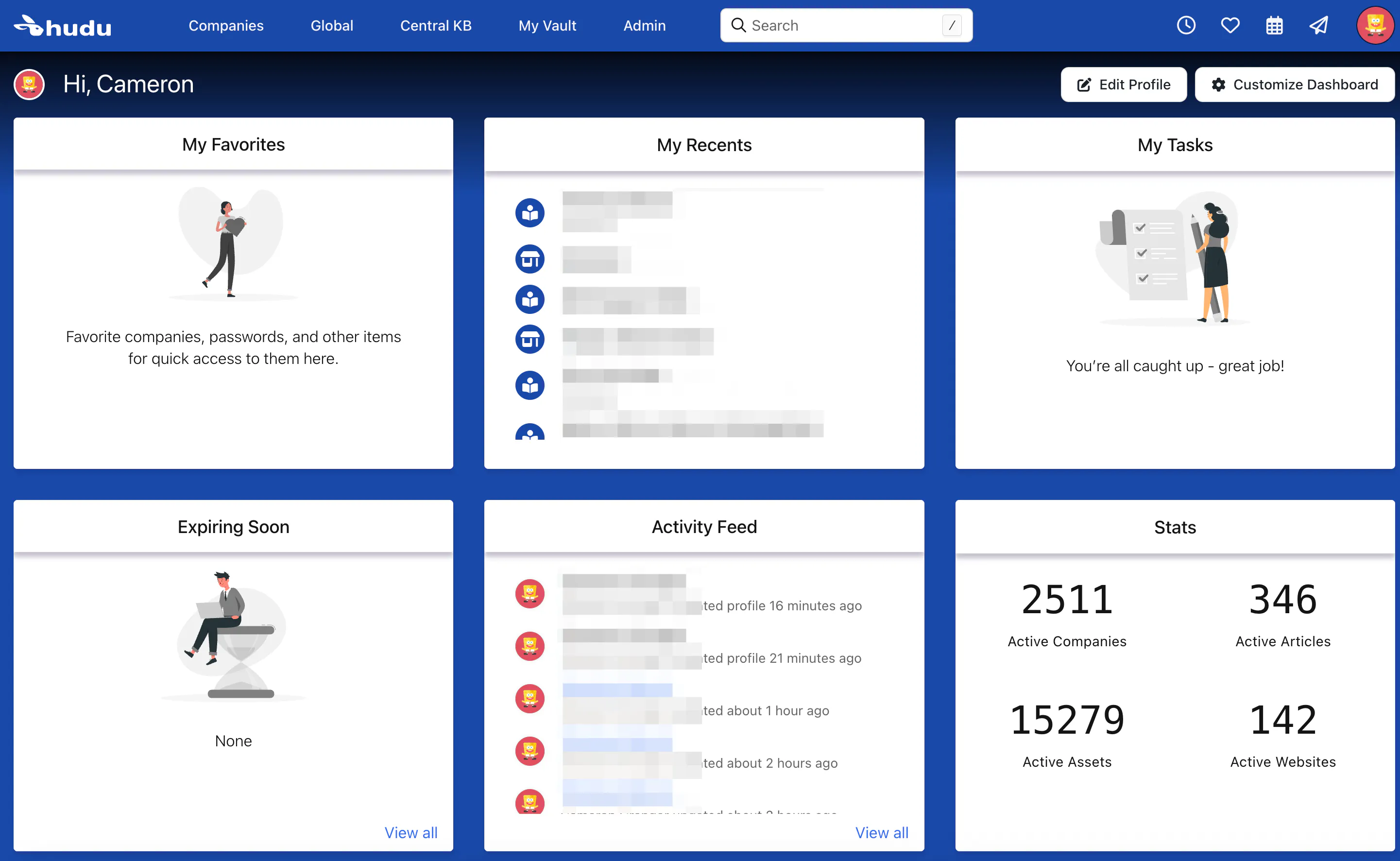
Hudu allows you to customize the CSS any way you'd like. With some basic knowledge of CSS, you can make your Hudu Dashboard look like your very own.
Tip: If you press F12 on the browser (within Hudu) and go to sources, you can see the enter CSS file to get an idea on what you might want to change.
Here's some fun examples of things you can do:
Modify Callout Boxes:
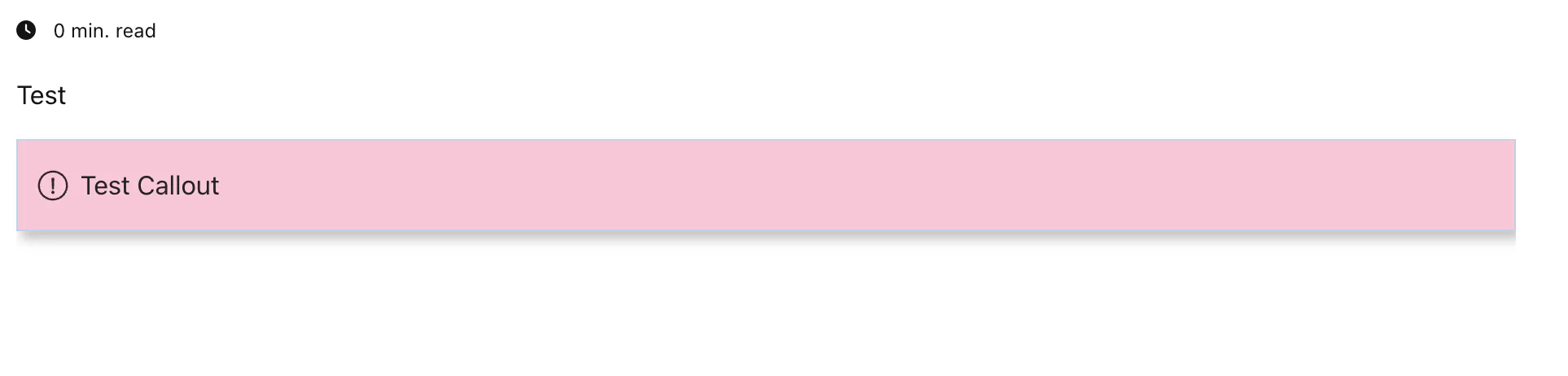
If you want to add a little flare to your callout boxes, you can do something like this:
.callout-danger {
background: rgba(212, 15, 93, .25);
color: #222324;
border: solid 1px #bed1e6;
display: block;
min-height: 70px;
text-decoration: none;
margin-top: 14px;
margin-bottom: 4px;
box-shadow: rgba(136, 136, 136, 0.5) 3px 5px 7px;
}
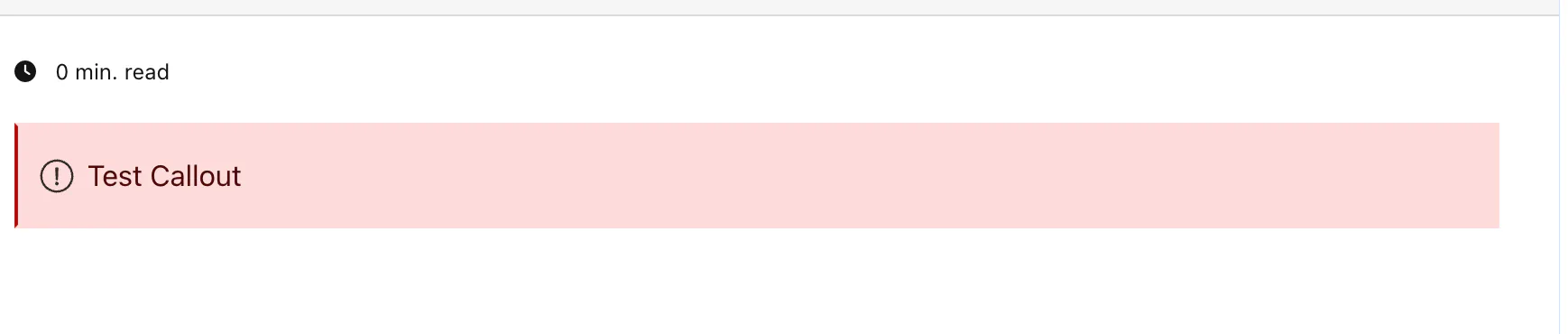
This will make your "Callout Danger" Box go from this:
To this:
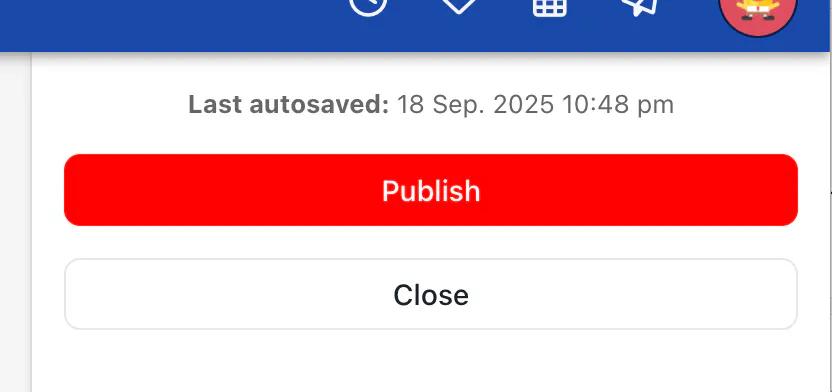
Change Button Colors
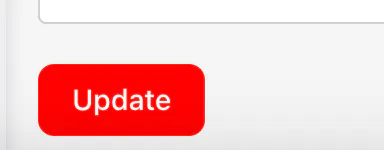
You can change the primary button color by adding this:
.button--primary {
  border: 1px red solid !important;
  background-color: red !important;
  background: red !important;
  color: white;
}
Change the look of the homepage
You can center the text and give a shadow to the titles of the cards on the homepage by doing this:
.nasa__block-header {
    box-shadow: 0 5px 5px rgba(19,1,54,0.25);
   justify-content: center;
}