


See Also: Community Github Repo - Articles From Anything Client Library
Did you know there is a way to create articles in Hudu from just about any source with a single command?
This can be a handy way to sync almost anything to an article in Hudu with little effort and maximum capability. With this, you can bulk-convert a folder of pdf's to articles, sync a status page to Hudu every 30 minutes, sync and make a directory listing for a shared folder available as an article, and more.
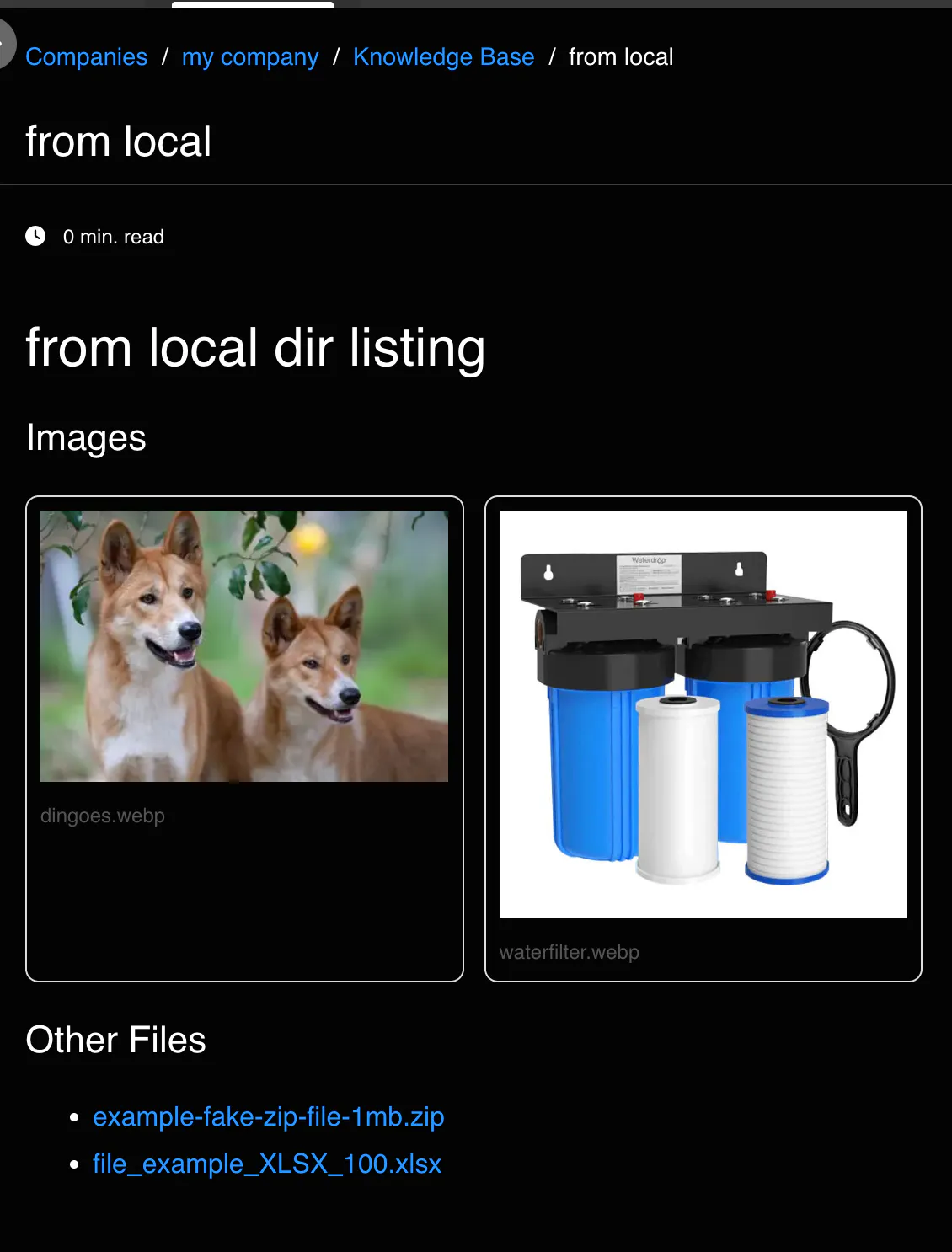
What it does:
This script has all the helpers you could want for creating / updating a new article from:
PDF File
(converts to html, extracts images, does it all)
Local Directory
will use HTML file if present in this dir (with an html file present)
if no html file is present, it will generate a webage image gallery of images present and/or files found in dir
Remote Webpage
(authenticated or public)
you can add additional request headers as you'd like
-Note: Articles and associated files are searched for by same-name, so articles will be updated if they already exist, existing photos/files will be used if they already exist so that you don't have any dupes from running multiple times.
This means that you could sync your Desktop on a schedule 100x and you'd still just have one article, with directory listing!
This script doesn;t do anything out of the gate, however. It's intended to inspire your own creativity. It does, however, generate some boilerplate commands for you on start.
# from a web page
Set-HuduArticleFromWebPage -uri "https://en.wikipedia.org/wiki/Special:Random" -companyname "Administrator's company" -title "website synced from EC2AMAZ-1ARNI6V"
# from a PDF file
Set-HuduArticleFromPDF -pdfPath "c:\tmp\somepdf.pdf" -companyname "Administrator's company" -title "new article from pdf"
# From a folder containing any type of files
Set-HuduArticleFromResourceFolder -resourcesFolder "C:\Users\Administrator\Desktop " -companyname "Administrator's company" -title "Administrator's Desktop Contents"
# From a local folder containing a webpage and images
Set-HuduArticleFromResourceFolder -resourcesFolder "C:\Users\Administrator\Pictures" -companyname "Administrator's company" -title "local pictures in C:\Users\Administrator\Pictures"
Advanced - Authenticated Webpages
You can pass in any JWT, session-token, access token, into the Set-HuduArticleFromWebPage function, in the form of hashtable / KeyValue map
$headers = @{ Authorization = "Bearer <TOKEN>"; Cookie = "sessionid=..." }
Set-HuduArticleFromWebPage -Uri "https://internal.example.com/page" -AddtlHeaders $headers
Advanced Usage - Avoiding Ratelimits
If a certain webpage that you are syncing to an article in Hudu keeps ratelimiting you, refusing connection, or sending other 40x http errors, you might try Controlling throttling and retries for web scraping (-DelayMs, -Retry) params