


See Also: Community Github Repo - Mapbox Locations Maps
For those of you that want to see all your locations at a glance in an interactive, multi-location map, here you go!
This uses MapBox API for the geocoding data and for the Geographic Tiles, you just need to sign up and get a public access token. Everything you need for this is available with a Free account!
What You’ll Get:
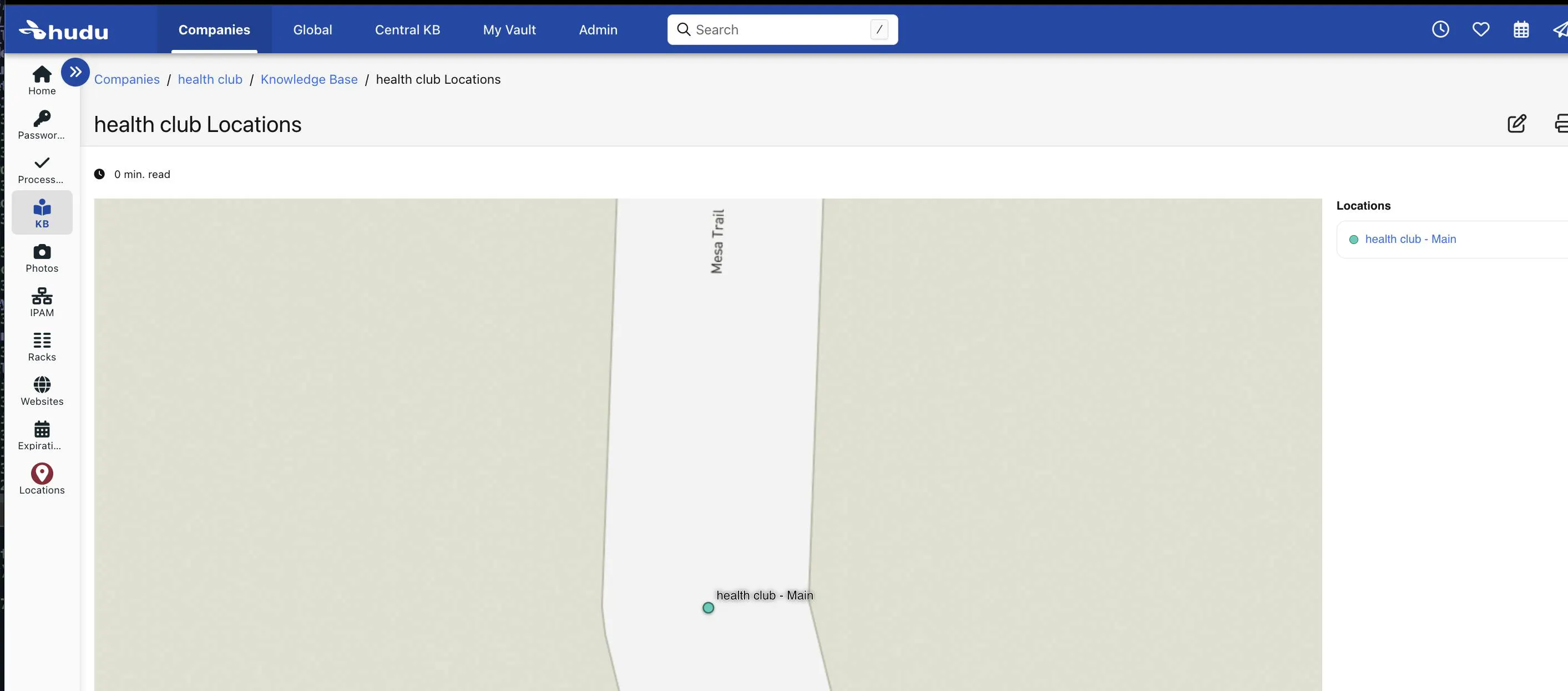
This will generate a map with all locations as an article in each company, and then at the end, for all companies in Central KB.
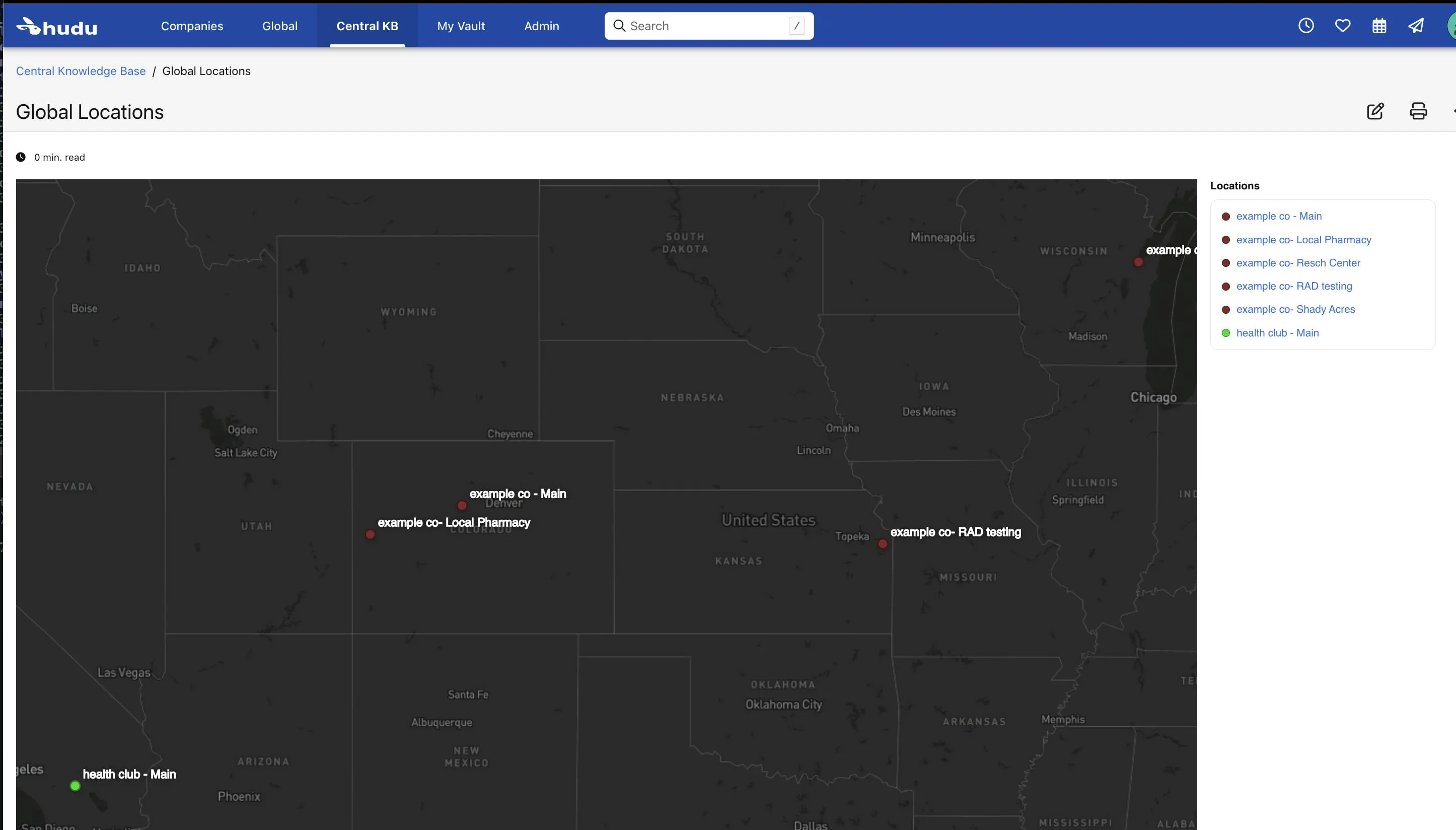
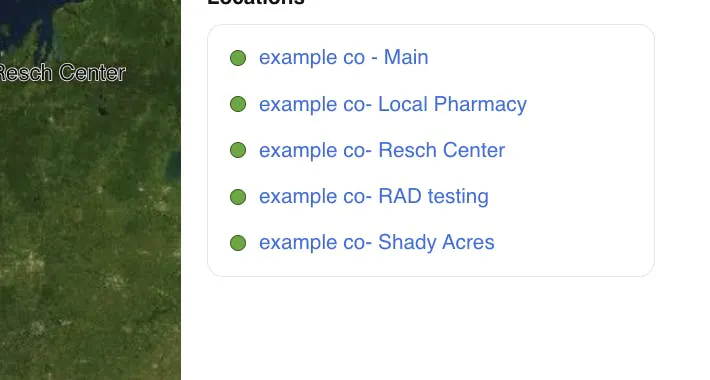
Every company is assigned a random color, so if you have many companies and many locations, it's easier to see them in the index and on the map.
Each pin is clickable and will lead you right to that location (or if it's the company's main location, it will lead you to the company instead).
📋 What You Need Before You Start:
PowerShell 7 or later
Hudu version 2.39.3 or later.
Hudu instance with API Access
Mapbox Account / Public Access Token (its the one that starts with 'pk...')
⚙️ Step 2 – Configure/Run the Script
Out of the box, you can simply just run the script and it will prompt you for your API Keys and Hudu URL. That's it!
If you want to, you can also customize some things, below:
$GeoArticleNaming = "#COMPANYNAME Locations"
$DownloadTiles = $true
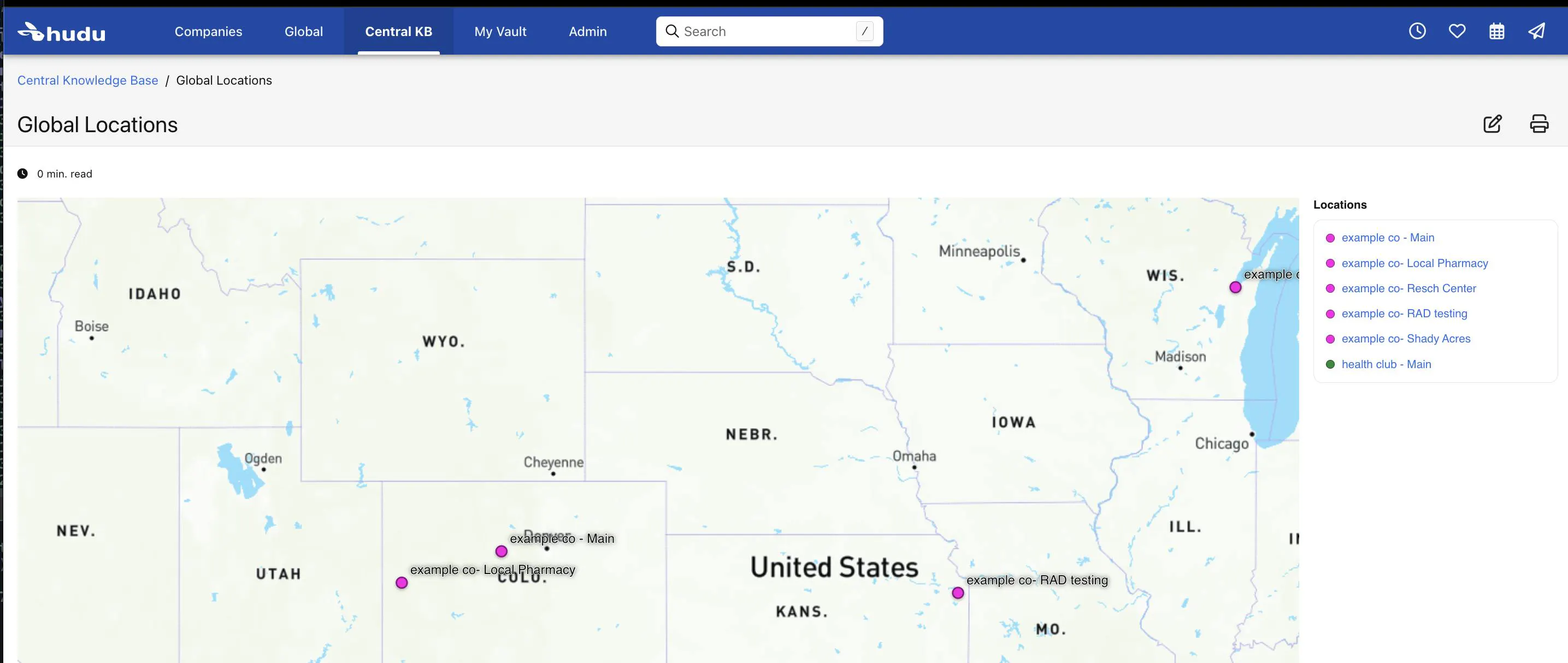
$preferredStyle = "mapbox/dark-v11"
$GeoArticleNaming - this is what you name your articles. The #COMPANYNAME delimiter is replaced with your company name (or global for the global article). So if I set it to "#COMPANYNAME is cool"then, for the company, Hudu, the geo article created will be named "Hudu is cool".$DownloadTiles - this determines whether or not we download the map image or if we reference it directly from mapbox. If you are short on disk space, you can set this to false, but you will use credits/usage allocation for every map you view in Hudu. If you leave this as $false, then your utilization only goes up at the time you generate these.$preferredStyle - can be set to any user-customized style or any of the default stylesx in Mapbox. If you select a dark style, it will use white text (*if dark is in the style name)
There are many different map styles depending on how you choose to use them.
NOTE - certain styles don't have all the same features, so some map styles may not work but most of the newer ones work fine
📆 Script Schedules or Single Run
Since locations don't change often, it isn't anticipated that you'll need to run this very often, maybe when new clients are onboarded. As such, it will ask you for these items, above, on start, and unset those variables when finished.
You can run as many times as you want in a row, and as long as you don't change your naming convention (with $GeoArticleNaming variable), then it will simply update all the existing articles instead of creating them.
🚀 That it's! This is what your new Article should look like:
That's about it! Pretty easy to use and run. Advanced users will also find some CSS that is modifyable and changable in there- so if you are a wizard, cast some magic!
You can simply run the script once or you can set it to run on a schedule if you'd like.